In 2026, open-source generative AI tools have exploded in popularity. For power users—writers, coders, researchers—they offer a way to break free from expensive, closed platforms. People love these tools because they’re customizable, cheaper, and you’re not stuck with just one company’s rules.
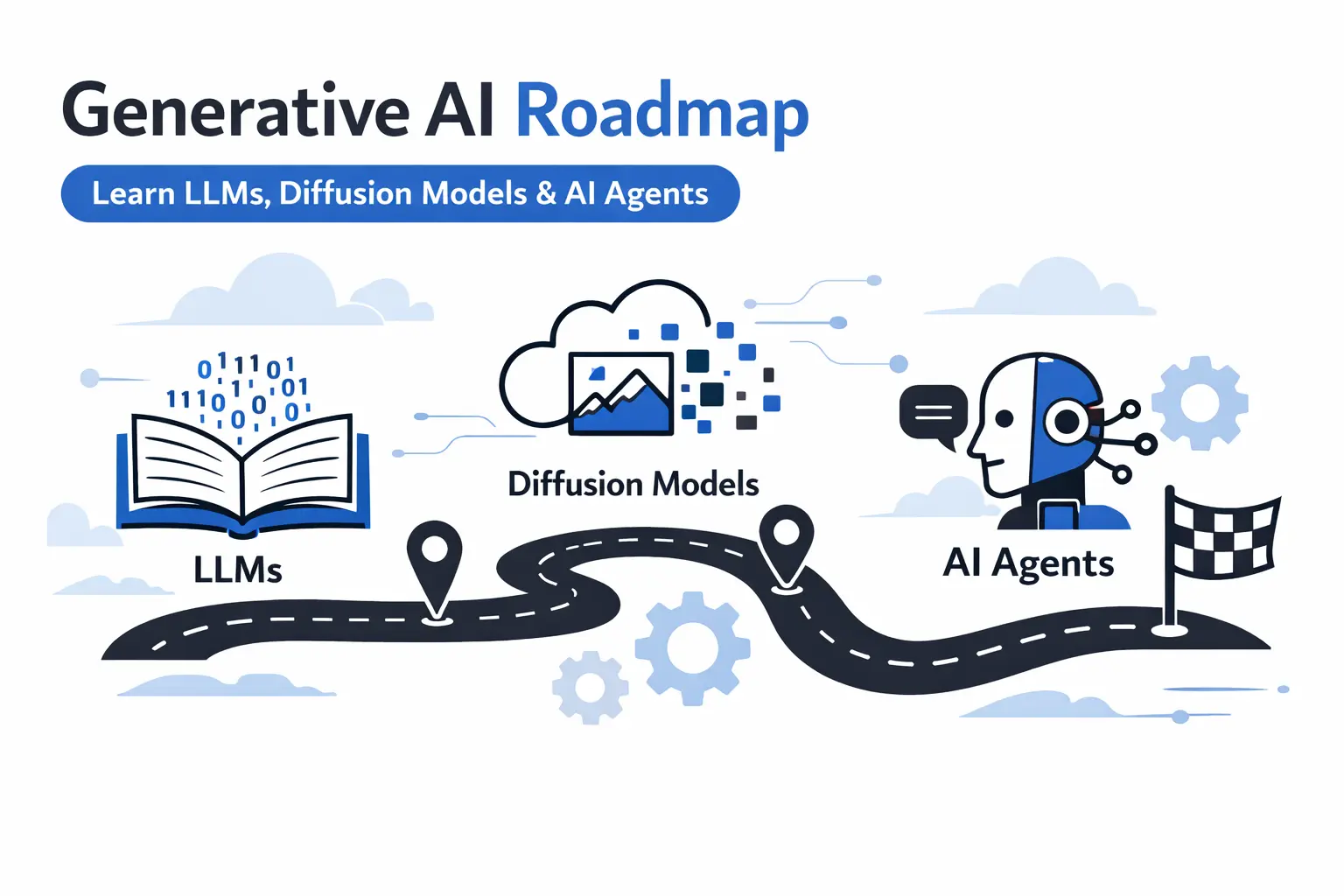
A big part of the magic comes from community-driven updates. Most of these models live on platforms like Hugging Face, where developers and creators constantly share new ideas and improvements.
Based on recent benchmarks and what users are actually adopting, here’s a quick rundown of the best open-source generative AI tools right now. We’re talking text, images, and even multimodal models that can handle a little bit of everything.
Why Open-Source Generative AI Tools Are Essential in 2026
Open-source tools offer real transparency. You can see exactly how things work, tweak them for your needs, and run them locally—no need to trust some distant server with your data. That’s huge for people who care about privacy.
Models like Llama 4 and Stable Diffusion 4 have improved so much, they go toe-to-toe with closed-source options. You can fine-tune them for whatever you’re working on. Plus, with the rise of agentic AI—where different tools connect and automate whole pipelines—open-source models have become even more essential. Sure, you’ll need some hardware to get the most out of them, but the cost savings and community support are hard to beat.
The Best Open-Source Generative AI Tools in 2026
1. Llama 4 (Meta AI)
Meta keeps pushing the envelope with Llama 4—now up to 405B parameters. It’s a powerhouse for text generation, chatbots, coding, and all sorts of creative work.
![Meta launches Llama 2, a source-available AI model that allows commercial applications [Updated] - Ars Technica](https://cdn.arstechnica.net/wp-content/uploads/2023/07/cyberllama.jpg)
The context window is huge (up to 128K tokens), and its reasoning skills are impressive. You’ll need serious GPU power for the largest models, though. It’s free on Hugging Face, but you might pay for hosting. Perfect for anyone building custom LLMs.
2. Stable Diffusion 4 (Stability AI)
If you need to generate images from text, Stable Diffusion 4 is the gold standard.

It creates stunningly realistic visuals, supports inpainting, outpainting, and even video generation. The community is always coming up with cool new tweaks and styles. Sometimes the results need fine-tuning, but it’s free to use, with cheap API options if you want to scale up. Designers and artists love it.
3. Qwen 3 (Alibaba)
Qwen 3 handles text, images, and code, with models ranging from lightweight to massive. It’s especially good at multilingual tasks and long-context reasoning. Smaller versions can struggle with complex images, but it’s free, scalable, and a solid choice for anyone juggling different types of data.
4. Mistral/Mixtral (Mistral AI)
These models are fast and efficient, great for text and code generation. Mixtral 8x22B, for example, uses a mixture-of-experts setup, which boosts inference speed and makes it ideal for running on edge devices. It’s less versatile with images, but it’s open-source and costs nothing to use.
5. BLOOM (BigScience)
BLOOM stands out for its ethical focus and strong multilingual abilities. With 176B parameters, it’s trained on diverse data to reduce bias. You’ll need a lot of compute to run the full model, but it’s totally open and collaborative.
6. Falcon (Technology Innovation Institute)
Falcon 180B is robust for both text and code. It’s optimized for research and can be fine-tuned, though it doesn’t have quite the same level of community tools as Llama. Still, it’s free and open-source.
7. DeepSeek-R1 (DeepSeek)
DeepSeek-R1 is new on the scene but already making waves in math and code generation. It tops several open benchmarks. The ecosystem is still growing, but you can grab it for free on Hugging Face.
8. Ollama
If you want to run open-source LLMs locally, Ollama makes it easy. It supports models like Llama and Mistral, with a strong focus on privacy and simple setup. The catch? You’ll need decent hardware. But it’s open-source and free.
Feature Comparison Table
| Tool | Primary Focus | Parameters (Max) | Multimodal Support | Local Run | License | Best For |
|---|---|---|---|---|---|---|
| Llama 4 | Text/Reasoning | 405B | Limited | Yes | Custom | Custom LLMs, Coding |
| Stable Diffusion 4 | Image/Video | N/A | Yes | Yes | MIT | Visual Creation |
| Qwen 3 | Multimodal | Varies | Yes | Yes | Apache 2.0 | Multilingual Tasks |
| Mistral/Mixtral | Text/Code | 8x22B | No | Yes | Apache 2.0 | Efficient Inference |
| BLOOM | Text | 176B | No | Yes | BigScience | Ethical Generation |
| Falcon | Text/Code | 180B | No | Yes | Apache 2.0 | Research |
| DeepSeek-R1 | Reasoning/Code | Varies | Limited | Yes | MIT | Math & Programming |
| Ollama | Runtime | N/A | Depends on Model | Yes | MIT | Local Deployment |
Performance Insights
Benchmarks show Llama 4 and Stable Diffusion 4 leading the pack, each scoring around 90% in their main categories. These models now match—and sometimes beat—proprietary tools, all while slashing costs for teams working at scale. For example, Llama 4 hits a score of 92, Stable Diffusion 89, Qwen 87.
Quick Tips for Using Open-Source Generative AI
- Start small. Try out lighter models before you scale up.
- Use frameworks like Hugging Face Transformers to connect everything.
- Fine-tune with your own data for the best results.
- Powerful GPUs (NVIDIA, especially) make a big difference.
- Jump into communities on GitHub or Reddit to stay up to date.
Open-source generative AI is breaking down barriers, letting anyone build, experiment, and innovate with cutting-edge tools. If you want to dig deeper, check out some of our other guides.
Frequently Asked Question
Q1: What are the best open source generative AI tools in 2026?
A: If you want the top open source generative AI tools in 2026, look at Llama 4 (Meta), Stable Diffusion 4, Qwen 3 (Alibaba), Mistral/Mixtral, and Ollama. These models don’t just keep up with the big-name, closed systems—they often beat them. And you get all the flexibility and freedom you want, without paying a cent for the models.
Q2: Are open-source generative AI tools really free to use?
A: Yep, really free. Llama 4, Stable Diffusion 4, Qwen 3, Mistral—all of them use open licenses like Apache 2.0 or MIT. You don’t pay for the models themselves, just for whatever hardware or cloud time you use to run them.
Q3: Which is the best open-source tool for image generation in 2026?
A: Stable Diffusion 4 takes the crown for open-source image generation. It’s not just about great pictures, either—it handles inpainting, outpainting, and even video diffusion. Plus, the community’s pumped out thousands of custom versions you can grab on Hugging Face.
Q4: Can I run the best open-source generative AI tools locally on my computer?
A: Definitely. Tools like Ollama and smaller versions of Llama 4, Mistral, and Qwen 3 work well on a regular MacBook or PC, as long as you’ve got at least 16 GB of RAM and a decent NVIDIA GPU. If you want to run the really big models (70B and up), you’ll want a GPU with at least 24 GB of VRAM.
Q5: How do open-source LLMs like Llama 4 compare to ChatGPT or Claude?
A: By 2026, Llama 4 and Qwen 3 hold their own against GPT-4.5 and Claude 4—sometimes they even pull ahead, especially if you fine-tune them right. Open-source models give you total control over your data, no usage limits, and you can tweak the models however you want.
Q6: What hardware do I need to run the best open source generative AI tools?
A: Here’s the quick breakdown: For smaller models (7B–13B), you’ll be fine with 16 GB RAM and an integrated GPU. If you want to go big with 70B models, step up to 32–64 GB of RAM and an NVIDIA RTX 4090 or A6000 (at least 24 GB VRAM). For the absolute best performance, nothing beats a multi-GPU setup or just renting some serious cloud hardware.
Q7: Where can I download and try the best open-source generative AI tools?
A: Hugging Face is the go-to place for model weights, and Ollama makes local installs a breeze. You’ll also find official repos for Llama 4, Mistral, and Qwen 3 on GitHub.
Q8: Are open-source generative AI tools safe and ethical?
A: Most of the big projects—Meta, Mistral, Alibaba, BigScience—take safety seriously. They use safety fine-tuning and publish transparency reports. Always check the model card and use these tools responsibly. The cool thing about open-source? The community can spot problems and fix them fast, sometimes even faster than the closed models.